Quick Answer: There is no safe universal 13-plugin bundle that every WooCommerce store should install. The best stack is the smallest set of well-supported tools that solves measurable business problems without duplicating responsibilities or destabilizing the storefront. Several of the 13 entries below are alternatives to each other, so treat this as a decision framework, not a shopping list.
When I take over a WooCommerce store, I do not start deleting plugins at random. I first map which system owns checkout, schema, caching, search, analytics, email and customer data.
WooCommerce runs on about 7.8% of all websites, according to W3Techs on October 16, 2026, and on 47.5% of the sites where it can detect an ecommerce system. Those are detected-technology estimates, not store counts, but they explain why so many stores share the same problems: overlapping extensions, scripts on the wrong pages and nobody who owns the stack.
Demand is not the issue. The US Census Bureau put Q2 2026 ecommerce sales at $340.2 billion, 17.1% of retail and up 12.2% year over year, so the question is how to take a share of it without a fragile store.
Risk is the other side. Patchstack's State of WordPress Security in 2026 counted 11,334 new vulnerabilities in 2025, 91% of them in plugins, and 46% had no developer fix at disclosure. Patchstack sells protection, so read the framing carefully, but it supports the point: every plugin is a dependency.
Information checked: October 17, 2026. Plugin versions, install counts, prices and feature tiers change often, so confirm them on each vendor page before you buy.
Not Sure Which Plugins Your Store Actually Needs?
Every plugin is a dependency. Vareweb audits your plugins, theme, and hosting first, then removes overlap and bloat without breaking checkout. Our WooCommerce builds average a 60% reduction in plugin count.
Quick Comparison: 13 Plugins, Features, Pricing and Alternatives
| Plugin | Features | Price | Alternatives |
|---|---|---|---|
| 1. Perfmatters | Page-by-page script and style control, lazy loading, resource hints | $29.95/yr for 1 site, $59.95 for 3. 30-day refund | Asset CleanUp, or conditional loading code in the theme |
| 2. Rank Math | Titles, sitemaps, redirects and schema; WooCommerce SEO in paid plans | Free plan. Pro €7.99/mo billed yearly. 30-day refund | Yoast or AIOSEO (pick only one) |
| 3. WP Rocket | Page caching and file optimization on any server | From $59.95/yr. 14-day free trial | LiteSpeed Cache (free; server-level caching needs LiteSpeed hosting) |
| 4. FunnelKit | Custom checkout, order bumps, one-click upsells, funnels | Paid only, from $99/yr. 14-day refund | Native WooCommerce checkout, or CartFlows |
| 5. FacetWP | Product filters and faceted search for large catalogs | From $99/yr. No refunds, limited trial | Filter Everything (free version, Pro upgrade) |
| 6. GTM4WP | Tag Manager placement and WooCommerce data-layer events | Free | Direct GA4 or pixel plugins, or a custom data layer |
| 7. ShortPixel | Image compression, WebP and AVIF, local backups | 100 free credits a month; paid plans on its site | Imagify (free 20MB a month, then $5.99 or $11.99/mo) |
| 8. Judge.me | Unlimited reviews with photos and video, review schema | Free at $0. Awesome $15/mo | CusRev (Free and Pro plans; check its site) |
| 9. FiboSearch | Fast product search, SKU search in the free version | Free version. Pro from $59 the first year | Native search, Algolia or Elasticsearch |
| 10. WooCommerce Subscriptions | Renewals, trials, failed-payment retries, 25+ gateways | $279/yr. 30-day refund | Autoship Cloud (check its pricing) |
| 11. Wordfence | Firewall, malware scanner, login protection, 2FA | Free (rules delayed 30 days). Premium $149/yr | Kadence Security, formerly Solid Security (free with paid upgrades) |
| 12. WP Mail SMTP | Sends store email through a mail provider, logs failures | Free version. Pro from $49/yr. 14-day refund | Host or provider mail settings, no extra plugin |
| 13. Advanced Database Cleaner | Previewed cleanup of expired and orphaned data | Free version. Premium adds Action Scheduler cleanup; check its site | WP-CLI or WooCommerce System Tools |
Prices come from each vendor's own page and change often, so confirm at checkout; renewals can cost more.
WP Rocket and LiteSpeed Cache are alternatives. So are Rank Math, Yoast and AIOSEO, Judge.me and CusRev, Wordfence and Kadence Security, and ShortPixel and Imagify.

The Plugin-Bloat Trap: How I Evaluate a WooCommerce Extension
The plugin count is not the diagnosis. A store with 35 backend-only plugins can outperform a store with eight extensions that ship large frontend bundles, trigger uncacheable requests or run expensive queries.
A plugin earns its place only when its business value exceeds its performance, maintenance, security and operational cost. I check six layers before approving one.
- PHP and server: hooks, REST and AJAX endpoints, external API calls, background jobs, error logs, memory and PHP worker use.
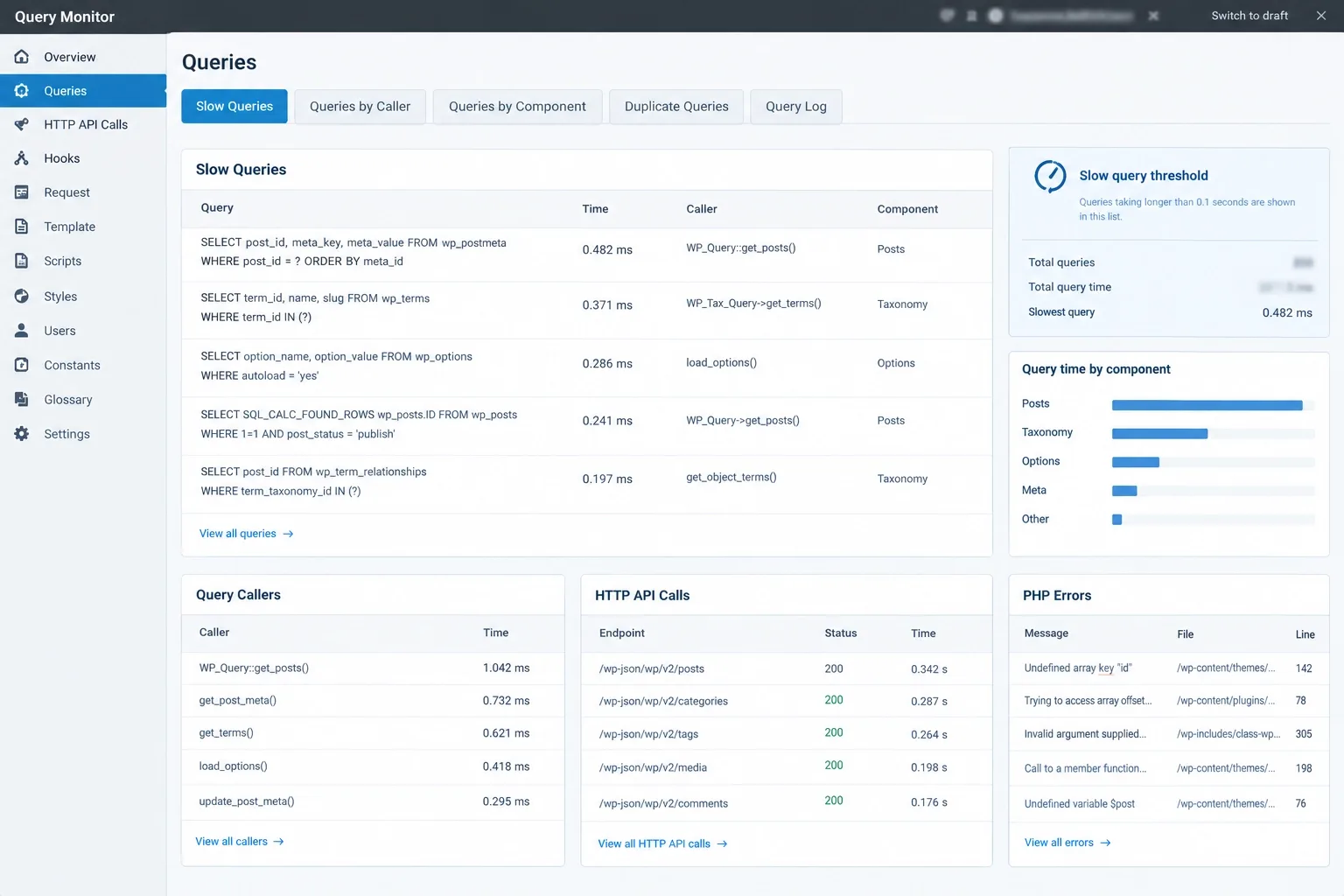
- Database: queries per template, slow or unindexed queries, autoloaded options, postmeta growth, custom tables, sessions, Action Scheduler jobs, transients and what remains after uninstall. One badly indexed query can hurt more than many small cached ones.
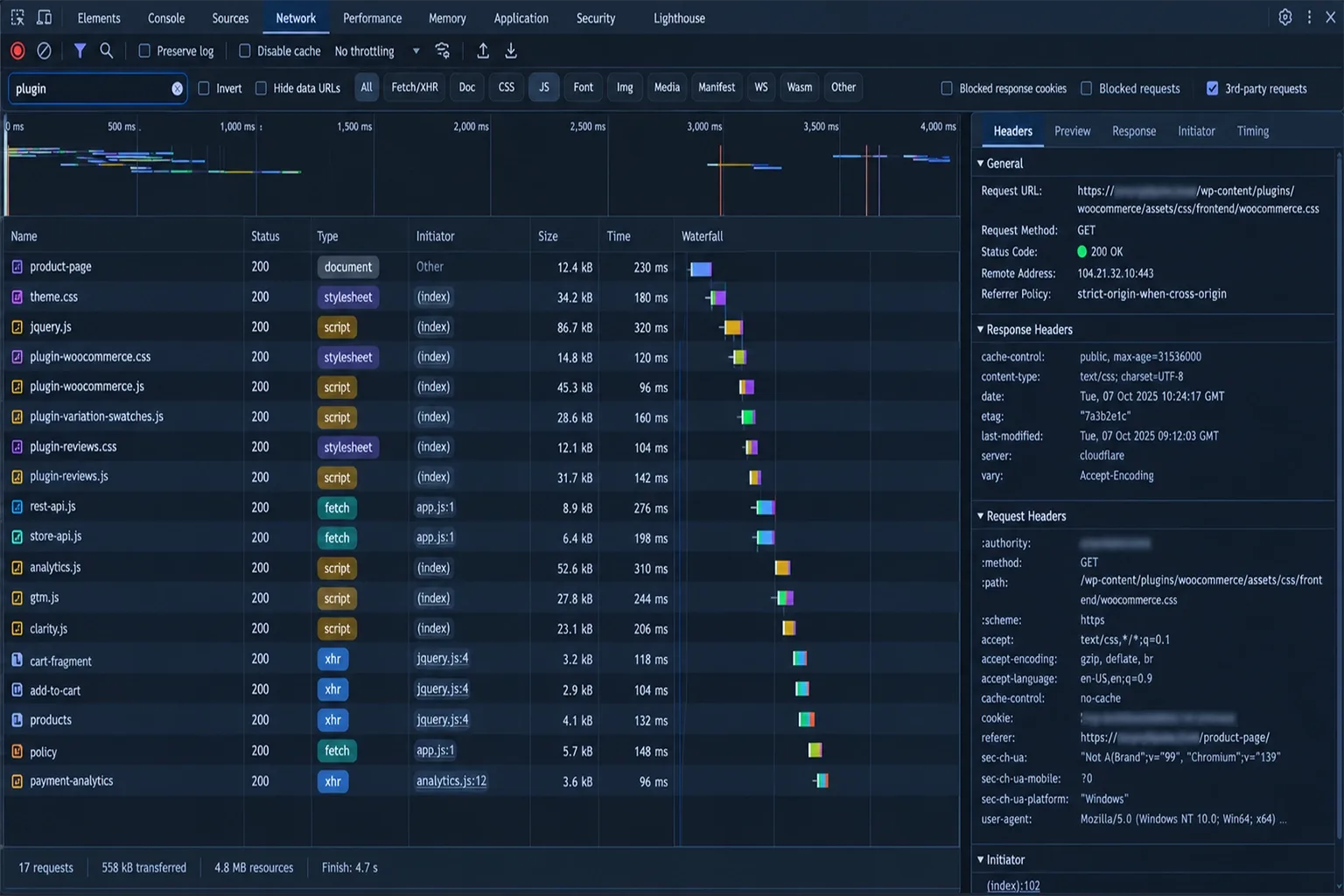
- Frontend: CSS and JavaScript transferred and executed, long tasks, third-party origins, DOM nodes, layout shifts, render-blocking files and cacheability.
- Commerce reliability: simple and variable products, cart, checkout, coupons, tax, shipping, gateways, refunds, emails, stock updates and subscriptions.
- Platform fit: HPOS, Cart and Checkout Blocks, the Store API, page caching, object caching, CDN behavior, multilingual setups and consent tools.
- Operations: documentation, support, changelog quality, rollback options, data portability, license model and total cost of ownership.
For performance, good Core Web Vitals means LCP of 2.5 seconds or less, INP of 200 milliseconds or less and CLS of 0.1 or less at the 75th percentile of real-user data, per web.dev. A Lighthouse score is lab data, not a pass.
Look at the database queries. A clean homepage Lighthouse result tells me very little about a variable product, a filter-heavy category, a populated cart or the checkout.
When several extensions exist only to compensate for an unsuitable data model, checkout flow or theme architecture, professional eCommerce web development services can replace overlapping patches with a smaller, documented system. Specialist functions such as tax, payments, subscriptions, security and email delivery should not be rebuilt casually.
The fastest plugin is the one the store does not need. But I will not remove a valuable tool just to lower a number.
The 13 Best WooCommerce Plugins for 2026
Each entry covers who needs it, what to configure, what can break and how to remove it safely. Install counts come from WordPress.org on the date above and measure popularity, not quality.
1. Perfmatters: Script Control and Frontend Governance
Perfmatters lets you disable scripts and styles per page, trim WordPress features, add resource hints and control lazy loading. It suits stores where plugin assets load everywhere. It does not fix Core Web Vitals by itself.
Since WooCommerce 7.8, core no longer enqueues the cart-fragments script on every page by default, according to the WooCommerce developer blog. Themes, legacy mini-cart widgets or custom code can still load it, and removing it blindly can leave cart counts stale.
- Safe workflow: baseline first, change one setting at a time, clear every cache layer, test product, cart, checkout, account and logged-in states, watch browser errors and keep a documented exception list.
- Can break: payment, wallet and fraud scripts if you unload them from checkout without checking dependencies.
- Alternatives: Asset CleanUp, host-level optimization, conditional enqueue code or fixing the theme. A script manager used as a permanent patch can hide an architecture problem.
2. Rank Math: Metadata and Structured-Data Ownership
Rank Math has over 4 million active installs and covers titles, canonicals, sitemaps, robots directives, redirects and schema. I would not say it beats Yoast or AIOSEO universally; I would say one SEO plugin must own all of those jobs.
I compared the options in my previous post, Best SEO Plugin For WordPress, and the same logic holds here: pick for schema control and WooCommerce integration, not for feature count.
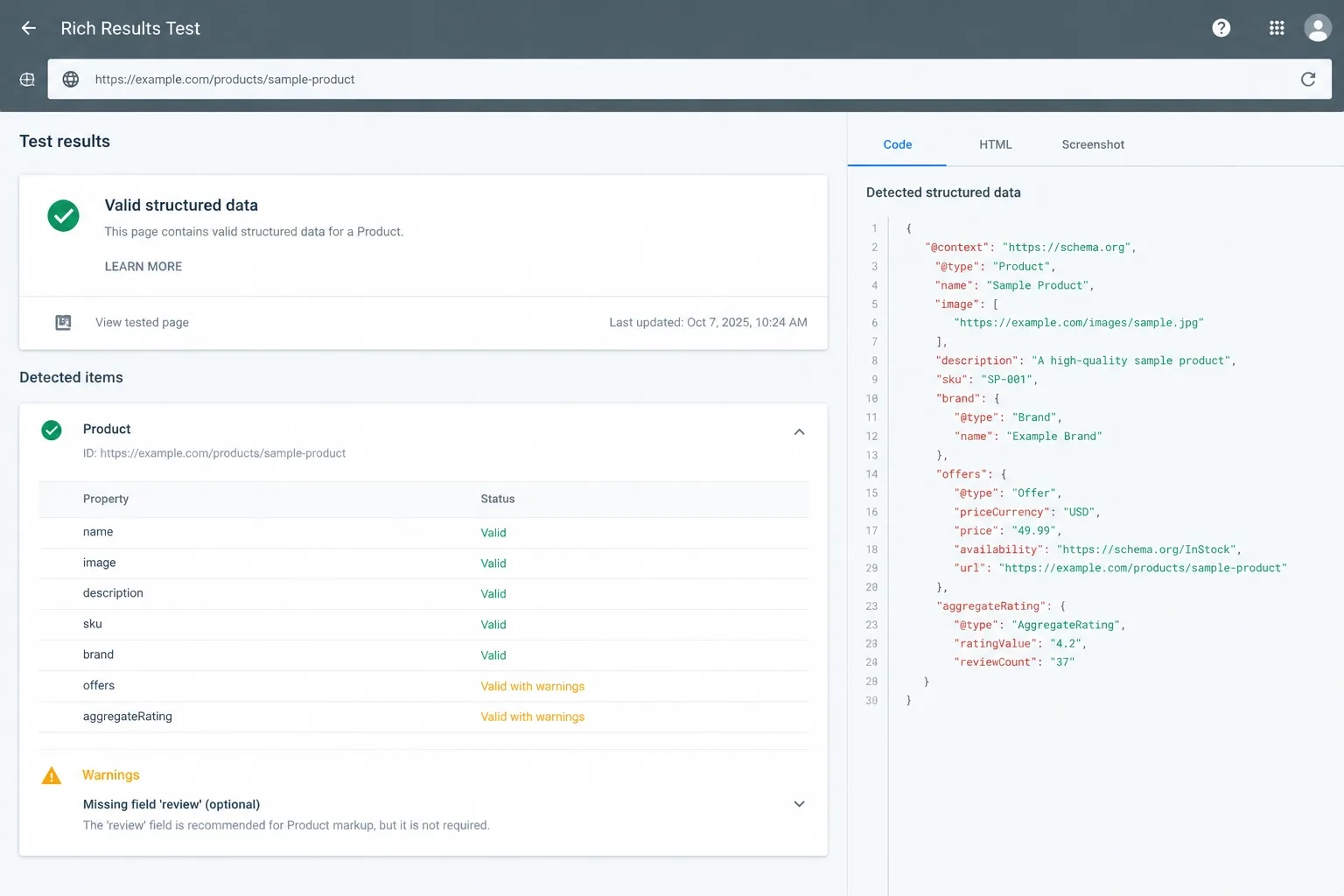
- Verify before relying on it: whether your version outputs Product, Offer, ProductGroup, AggregateRating and return or shipping properties. Where it does not, use dedicated custom JSON-LD and disable the duplicate output.
- Can break: two systems emitting schema at once, or markup that disagrees with visible price and stock.
- Remove safely: export redirects and metadata, migrate on staging, crawl before and after.
No plugin can guarantee rich results, merchant listings or citations in AI answers.
3. WP Rocket or LiteSpeed Cache: Match the Cache to the Server
These are alternatives, not a pair. LiteSpeed Cache has over 7 million installs, but its server-level page-cache features require a LiteSpeed environment; its general features such as minification work on Apache and Nginx too.
WP Rocket is a commercial plugin with a 14-day trial and no permanent free tier, and it suits Apache, Nginx and managed hosts without LiteSpeed. Check the vendor's pricing and site limits on the day you buy.
- Benchmark: compare field TTFB and LCP on product and category templates before and after, not just the homepage.
- Always exclude: cart, checkout, My Account, session-dependent content, personalized pricing and subscription states.
- Know the difference: page, browser, CDN, edge, object and database caching are different layers, not interchangeable settings.
- Can break: aggressive CSS removal or delayed JavaScript can break checkout fields, payment widgets, cart drawers, variation selectors and consent tools.
The checkout has to survive the optimization. Run a full test order after every caching change, and skip a page-cache plugin if your host already caches pages.
4. FunnelKit: Checkout Optimization, Funnels and Upsells
FunnelKit offers checkout templates, order bumps, upsells and funnels, with extra automation depending on plan. I do not accept that native WooCommerce checkout always costs you conversions. Many stores should keep it.
It becomes relevant when you have evidence: checkout abandonment, weak mobile usability, a real upsell opportunity or an offer flow native checkout cannot express.
- Review: AJAX behavior, order metadata, gateway, tax, shipping, coupon and subscription compatibility, Cart and Checkout Blocks support, analytics events, accessibility and caching.
- Configure: start with one template and one upsell, keep the native cart fallback and confirm gateway, tax and coupon behavior in staging.
- Measure: run a controlled test. Never credit a conversion change to the plugin without store-specific evidence.
- Alternatives: native Blocks, CartFlows, theme-level cart improvements or custom checkout development.
5. FacetWP or Filter Everything: Controlled Product Discovery
AJAX filtering does not automatically prevent crawling. A filter can update results through AJAX and still expose crawlable links, parameter URLs, paginated combinations and canonical conflicts.
Whichever plugin you pick, I classify every filter state before launch: valuable landing pages, shopper-useful but search-redundant states, sort parameters and empty combinations. The plugin cannot make that SEO decision for you.
- Controls to combine: internal-link design, canonicals, noindex, robots.txt, correct status codes, clean XML sitemaps and dedicated category pages.
- Evaluate: query architecture, indexing, cache compatibility, URL generation, pagination, multi-select behavior and accessibility on a large catalog.
- Can break: filtered results served from page cache to the wrong shopper, or pagination that creates endless crawlable combinations.
I covered the indexing damage uncontrolled filters cause in my earlier post, Common WooCommerce SEO Issues and How to Fix Them.
Filters, Schema, and Crawl Budget Need an SEO Owner
Plugins create the pages, but they don't decide which ones should rank. Vareweb's ecommerce SEO team controls what gets crawled and indexed and keeps product schema accurate, so your catalog grows traffic instead of duplicate URLs.
6. GTM4WP: Ecommerce Data-Layer Governance
GTM4WP places the Google Tag Manager container and pushes WooCommerce events to the data layer. Its current listing describes GA4 ecommerce tracking, support for block-based Cart and Checkout and HPOS compatibility. It states it does not support refunds or promotions.
Direct-pixel plugins are not automatically terrible. The problem is ungoverned duplication, and GTM does not make scripts free because tags still load third-party JavaScript.
- Require: a written data-layer specification covering product and variant IDs, currency, tax, shipping, coupons, consent state and purchase deduplication.
- Test: product views, filters, add and remove from cart, checkout start, payment info and purchases on real devices.
Bad tracking can make a checkout plugin look like a winner or a failure for the wrong reason.
7. ShortPixel or Imagify: Image-Pipeline Automation
Both compress images and can generate WebP and AVIF. ShortPixel lists 100 free credits a month and local backups of originals, and Imagify lists a 20MB monthly free quota. Verify current limits before choosing.
Plugins do not replace a sound pipeline. Do not lazy-load the likely LCP image, set width and height attributes, and never upload a 5,000-pixel product image and rely on CSS to shrink it.
- Measure: LCP resource timing, transfer size, resource discovery, mobile delivery, cache headers and CDN behavior.
- Alternatives: host-level optimization or CDN image transformation. Keep zoom quality and any metadata you need legally.
8. Judge.me or CusRev: Reviews and Product Trust
Genuine reviews give shoppers original product language, sizing feedback and confidence. They are not an automatic ranking boost, and review schema creates eligibility for supported treatments, not guaranteed stars.
- Compare: data ownership and export, moderation, verified-purchase labels, media reviews, email requests, frontend JavaScript, external requests, schema output, accessibility and spam controls.
- Benchmark: compare product-page JavaScript, external requests and layout shift with the review widget on and off.
- Keep consistent: visible reviews, aggregate rating, review count, Product schema and Merchant Center data.
I do not recommend imported, incentivized or selectively suppressed reviews. Check US consumer-review rules with counsel.
9. FiboSearch: Large-Catalog Product Search
Better search helps stores with large catalogs, SKUs, model numbers and compatibility terms. The FiboSearch free version includes SKU search, but its listing marks the inverted-index engine and typo tolerance as Pro features, so editions are not equivalent.
- Benchmark: time a typical SKU search and a misspelled query on staging while a large import runs.
- Review: AJAX requests, index size and rebuild behavior during imports, stock handling, synonyms, multilingual support, mobile behavior and analytics.
- Compare: native search, Elasticsearch or OpenSearch, Algolia, Searchanise or custom services, based on catalog size, query complexity and infrastructure.
10. WooCommerce Subscriptions or Autoship Cloud: Recurring Commerce
Subscriptions fit replenishment, memberships, recurring boxes and service plans. They do not suit every store, and recurring billing is only reliable when the plumbing is monitored.
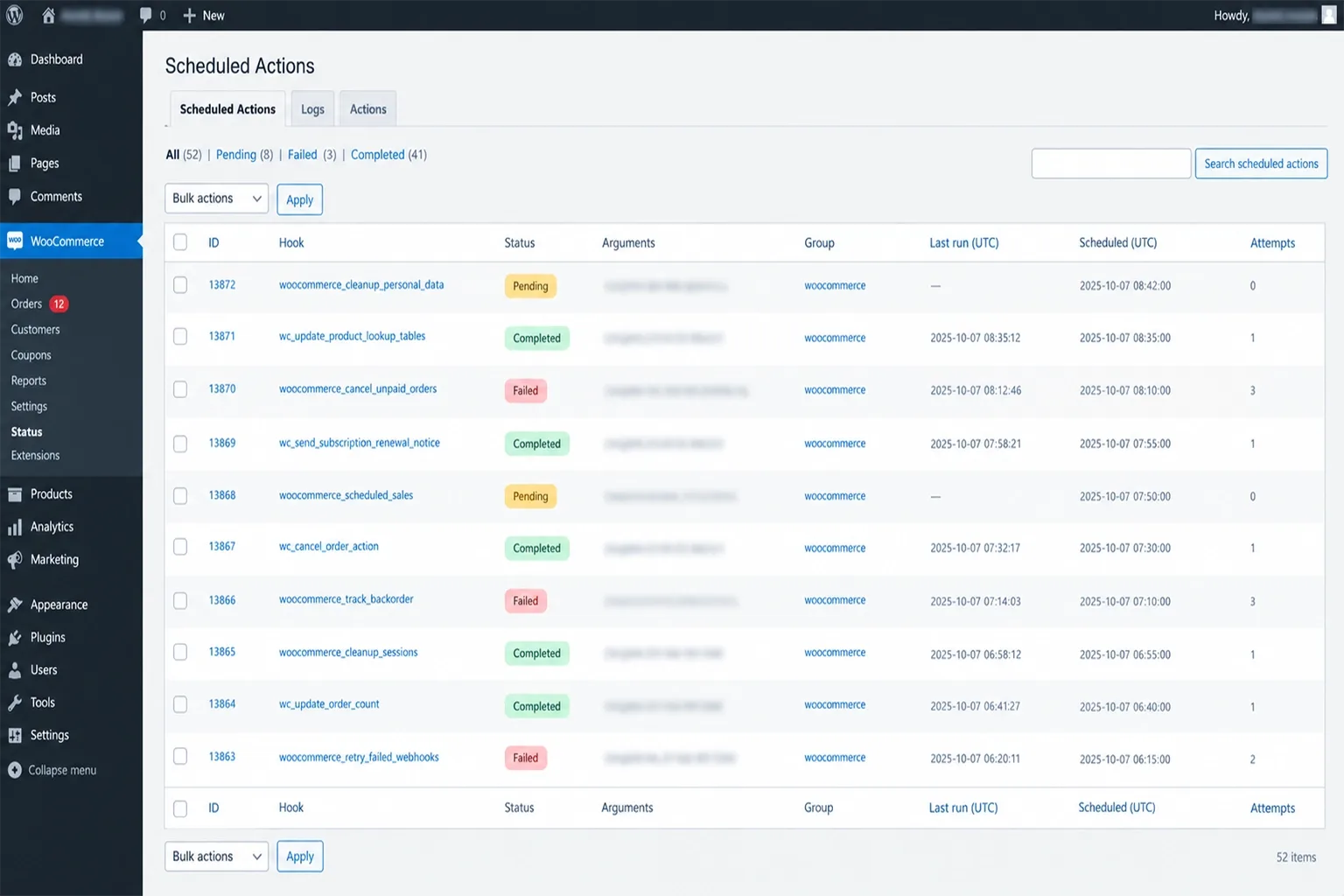
Renewals depend on payment tokens, gateway webhooks and scheduled jobs. Action Scheduler relies on WP-Cron, so I recommend a real system cron and alerts for failed actions.
- Review: gateway compatibility, failed-payment retries, proration, tax, shipping, coupons, cancellation, pausing, switching and data portability.
- Benchmark: watch the queue for failed and past-due actions over a full renewal cycle on staging before going live.
- Risk: failed scheduled actions, expired tokens or gateway outages can delay renewals and revenue. Check HPOS support too.
11. Wordfence or Kadence Security: Layered Protection
These are alternatives, and note that Kadence Security is the current name for the plugin formerly known as iThemes Security and then Solid Security, with over 700,000 installs. Wordfence has over 5 million installs and offers a firewall, malware scanner and two-factor authentication, but its listing says free users get firewall rules and signatures on a 30-day delay.
A WordPress security plugin alone may not stop card-testing attacks. Edge WAF, CDN bot protection, hosting security and payment fraud tools do different jobs.
- Benchmark: compare TTFB and admin responsiveness before and after enabling scans and live traffic logging.
- Do not block: payment webhooks, search crawlers, admin AJAX, the WooCommerce REST API, background jobs, customer logins or checkout requests.
- PCI: the PCI DSS standard covers anyone who stores, processes or transmits cardholder data. Installing one plugin does not create compliance.
12. WP Mail SMTP: Transactional-Email Transport
WordPress wp_mail() is an application interface, not a delivery service. WP Mail SMTP has over 4 million installs and connects stores to providers; its listing shows Postmark, Mailgun and SendGrid in the free version and Amazon SES only in Pro.
The plugin improves transport. It cannot guarantee inbox placement, and SPF, DKIM, DMARC and sender alignment still need correct DNS.
- Set up properly: authenticate the sending domain, then send a test from staging before touching production.
- Test every message: new order, processing, completed, failed, refund, new account, password reset, subscription renewal and failed payment.
- Review: API versus SMTP transport, logs, failure alerts, bounce handling, privacy and retention.
13. Advanced Database Cleaner or Controlled Maintenance
Treat this one carefully. Healthy stores do not need an automated cleaner, and cleanup should be evidence-led: expired transients, orphaned metadata, old plugin tables, failed scheduled actions and oversized logs.
Know where data lives. Autoloaded options sit in wp_options, sessions and Action Scheduler use their own tables and HPOS stores orders in dedicated tables. Clearing sessions casually can remove active customer carts.
- Before cleanup: tested backup, staging copy, table-size inspection, query profiling and confirmed data ownership.
- Alternatives: WP-CLI, WooCommerce System Tools, host database tools or scheduled maintenance jobs. I never paste destructive SQL as a generic fix.
What Is Not Part of a Universal WooCommerce Plugin Stack
Leaving a category out of the top 13 does not make it unimportant. It means no single product fits every business.
Payment gateways, sales-tax automation, shipping rates, fulfillment, fraud screening, consent management, backups, ERP, CRM, PIM, loyalty, multilingual and currency tools, marketplace feeds, accessibility testing, support and returns all need business-specific selection. A US store may also need state tax automation, carrier integrations, privacy controls and Merchant Center feeds.
What Belongs in Custom Code Instead of Another Plugin
A plugin is the right answer when the function is complex, regulated or constantly changing. That covers payments, tax, subscriptions, security and email delivery, which I would not rebuild.
Custom code usually wins for small, stable behavior: a conditional script rule, a shipping-notice block, a field rename or a single product-page tweak. Putting those into a theme or a small must-use plugin avoids loading a full extension for one feature.
- Good custom candidates: conditional asset loading, simple template changes, a bespoke schema field, small checkout copy edits.
- Poor custom candidates: tax rules, gateway integrations, renewal logic, firewall rules, anything with compliance or fraud exposure.
If your store depends on a pile of patches, our WooCommerce development services is the best option to consider.
Patching Your Store With Plugins? Build It Right Instead.
Vareweb builds WooCommerce stores with custom themes, clean checkout and payment setup, and managed hosting and caching, so you get a fast, stable store without the plugin bloat that usually ships with one.
How This Stack Helps a WooCommerce Store Compete in the US
With US online sales now 17.1% of retail, you are competing with Amazon, Walmart, specialist brands and AI-generated answers. Installing more tools than competitors is not a strategy.
Independent stores can win on decision utility: sizing, fit, compatibility, installation guidance, care instructions, honest returns and real support. Plugins support that system; they do not replace merchandising, content, pricing or service.
- Faster discovery: reliable search, useful filters, stable product cards and accurate stock.
- More confidence: authentic reviews, clear shipping and returns and complete specifications.
- Better visibility: stable canonicals, controlled facets, accurate Product schema and Merchant Center alignment.
- Lifecycle revenue: dependable email, subscriptions where justified and trustworthy measurement.
I compared platform trade-offs in Shopify vs WooCommerce in 2026: A Practical Decision Framework, a post I wrote earlier. If your requirements point toward a decoupled storefront, Minhaj, our Head of Development, explains the trade-offs in Headless Shopify: What It Is, How It Works, and Do You Really Need It?.

How the Plugin Stack Supports SEO and AI Discovery
No WooCommerce plugin guarantees citations or recommendations from Google AI Overviews, ChatGPT, Perplexity or Gemini. Google says there is no special schema or AI file to add: pages must be indexed and snippet-eligible, as its AI features documentation explains.
A well-governed stack makes product information easier to crawl, compare and retrieve. That means stable URLs, accurate canonicals, clean sitemaps, product and variant relationships, SKU, GTIN and MPN, correct price, currency, availability, shipping, returns and reviews.
No Plugin Guarantees AI Citations. Strong Product Data Earns Them.
Vareweb optimizes for Google and AI search, including AI Overviews, ChatGPT, and Perplexity, by structuring your content, product data, and technical foundation so machines can read and cite it.
Structured data must match visible content. Google's merchant listing guidance requires a name, image and an offer with price and currency for single-product pages.
How to Audit and Remove WooCommerce Plugins Safely
- Responsibility map: decide which system owns SEO, canonicals, sitemaps, schema, redirects, cache, images, search, filters, checkout, reviews, analytics, security, email, subscriptions and cleanup.
- Baseline: record field Core Web Vitals, TTFB, error logs, database and autoload size, slow queries, JavaScript errors, checkout completion and email success.
- Find overlap: two SEO plugins, several schema sources, multiple caches, duplicate image tools, repeated pixels or two firewalls.
- Inspect dependencies: shortcodes, blocks, widgets, templates, custom code, webhooks, scheduled actions, tables, API keys and payment links.
- Test on staging: product, variable product, search, filters, cart, checkout, account, emails, tracking, refunds and mobile.
- Clean up deliberately: options, tables, transients, cron events and files, never records you cannot attribute.
- Re-measure: same templates, same conditions. One better homepage score is not success.
Before I remove a plugin, I identify what depends on it and what must replace it.
FAQs
How many plugins are too many for a WooCommerce store?
No universal number exists. Evaluate execution, overlap, support, database activity, frontend loading and maintenance cost instead. Eight heavy plugins can hurt more than thirty light ones.
Will installing all 13 plugins slow down my website?
The list is not a mandatory bundle, and several entries are alternatives to each other. Install only tools that solve measured problems. Installing everything would almost certainly add cost without matching benefit.
What is the best free SEO plugin for WooCommerce?
Rank Math, Yoast and AIOSEO all have free versions, and feature limits change over time. Compare current free tiers on your own needs. Whichever you pick, one plugin should own metadata, canonicals, sitemaps and schema.
How do I find which plugin is slowing down WooCommerce?
Profile with Query Monitor, slow-query logs, application monitoring and browser performance traces, then read the Network waterfall. Test on staging and deactivate suspects one at a time. Compare field data, not only a lab score.
Do I need a caching plugin when my host provides server-side caching?
Host page caching can make a second page-cache plugin redundant. You should still review frontend optimization, object caching, CDN behavior and cache exclusions separately. Never stack two page caches.
Can WooCommerce handle 50,000 or more products?
Catalog size alone does not decide scalability. Hosting, queries, search architecture, product metadata, imports, caching, HPOS and filtering all matter. Many large catalogs run well when those are planned.
How do I test a plugin before using it on the live store?
Use a staging copy and a tested backup, record a performance baseline, and run test orders. Check error logs, schema, analytics events and emails. Keep a rollback plan.
Should I use Rank Math, Yoast and AIOSEO together?
No. Overlapping SEO systems can produce conflicting titles, canonicals, sitemaps, robots directives and schema. Choose one and disable the others.
Should I install both WP Rocket and LiteSpeed Cache?
Normally no. Cache ownership should match your hosting stack, and overlapping page-cache and optimization layers create unpredictable behavior. Pick the one that fits your server.
Can plugins improve visibility in ChatGPT, Perplexity or Google AI Overviews?
They can improve crawlability, product-data consistency, structured data and publishing workflows. They cannot guarantee AI citations or recommendations. Google also says no special AI markup is required.
Is custom code always faster than a plugin?
No. Custom code can be leaner when requirements are stable and ownership is clear, but it can also become undocumented technical debt. Mature plugins are often safer for payments, tax, subscriptions, security and email delivery.
Want a Faster, Leaner, Safer WooCommerce Store?
Vareweb handles the audit, the plugin cleanup, the staging tests, and the ongoing updates and security monitoring, so your store stays fast while you focus on selling. Book a free call and we'll tell you where to start.

Written by
Kashaf
Kashaf is a veteran SEO specialist with deep expertise in AI SEO, generative engine optimization, ORM, web strategy, and marketing automation. With a Master's in Computer Science, he blends search strategy with technical insight into websites, automation workflows, and AI-driven platforms, helping brands dominate traditional search while adapting to the future of AI-powered discovery.