
Short answer
Custom photos of your real people, premises and products build trust fastest, because they prove the business exists. Stock photos are fine for decorative and blog use, and AI images only for conceptual visuals with a disclosure. Whatever you use, every image also has to load fast and carry descriptive alt text.
Key points
- 47% of Americans want real photos of the team or location rather than stock images on a business website.
- 60% of U.S. online shoppers are less confident buying when they know product images are AI-generated.
- Undisclosed AI hero images performed as well as stock in a Nielsen Norman Group test; the penalty comes when an image looks fake, whatever made it.
- Images are the heaviest thing on the median web page, so quality means speed and alt text as much as resolution.
- Replace the hero, team and product images first; leave stock for blog headers and backgrounds.
Try this before you read any further. Open your homepage on your phone, cover the logo with your thumb, and ask: could this be any business in my industry?
If the answer is yes, your images are the reason. Nine times out of ten the hero is a stock photo of people who have never set foot in your building, and the rest of the page follows suit. Visitors notice in a second, even if they couldn't tell you why the site feels anonymous.
I've rebuilt enough small-business sites to know the photo decision rarely gets the attention the layout does, and it should get more. Below are the five beliefs about website photos I hear most often, what the latest research says about each, and the fix.
Could Your Homepage Belong to Any Business in Your Industry?
Vareweb redesigns existing websites with a fresh content structure and faster pages, so your site shows who you actually are instead of looking like everyone else's.
Five Beliefs About Website Photos That Cost You Trust
1. "Stock photos look more professional than our own."
They look more polished. That isn't the same thing.
When DreamHost asked 1,201 Americans what makes a business website trustworthy, 47% said real photos of the team or location rather than stock images. It was the third most-cited signal, behind only clear contact information and a secure connection. Nobody in that survey asked for better lighting.
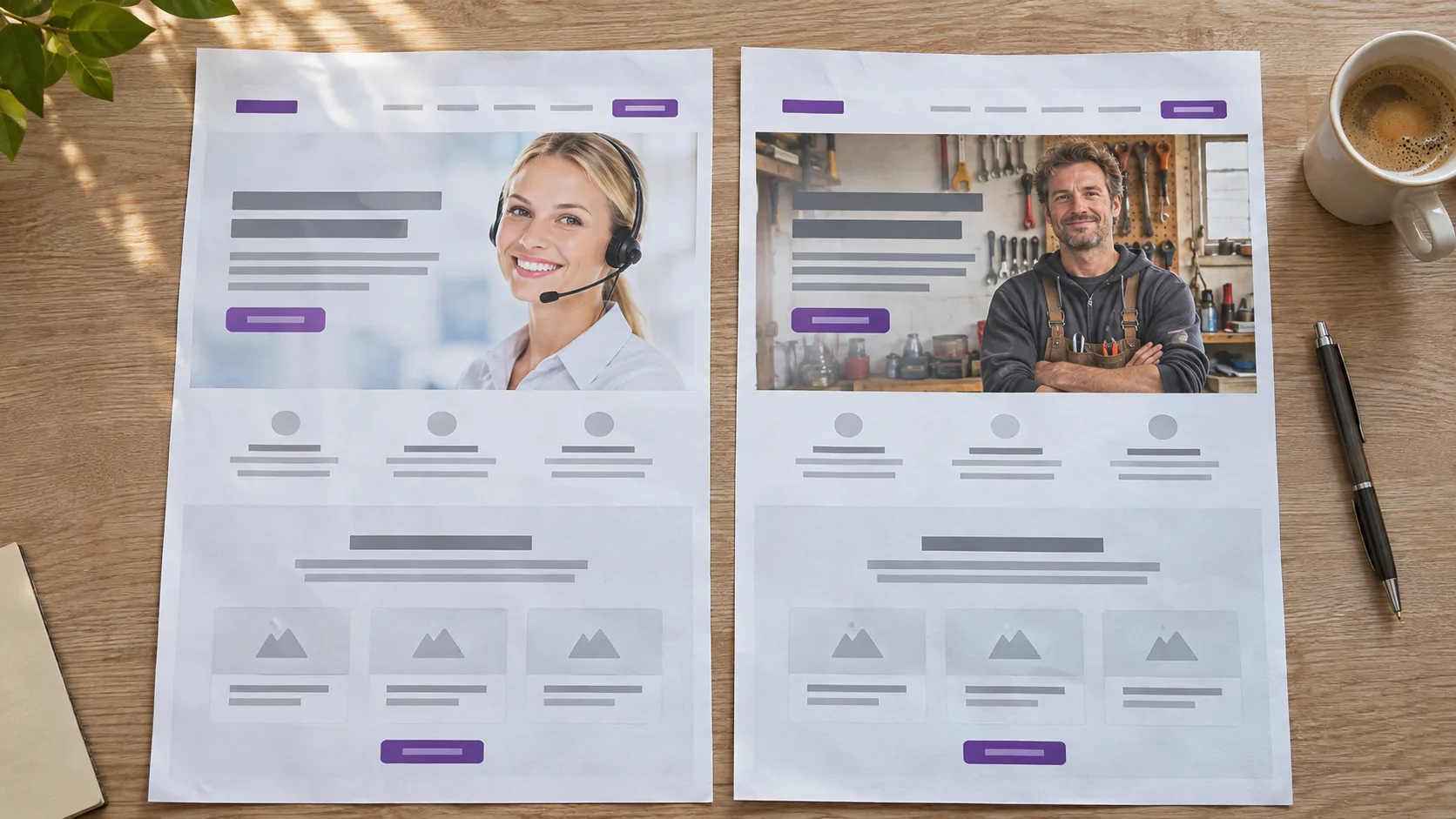
A stock photo is professional in the way a rented suit is professional. It fits, it's clean, and everyone can tell it isn't yours. The same smiling consultant appears on a bank's site, a dentist's site and a plumber's site, and visitors have met her on all three.
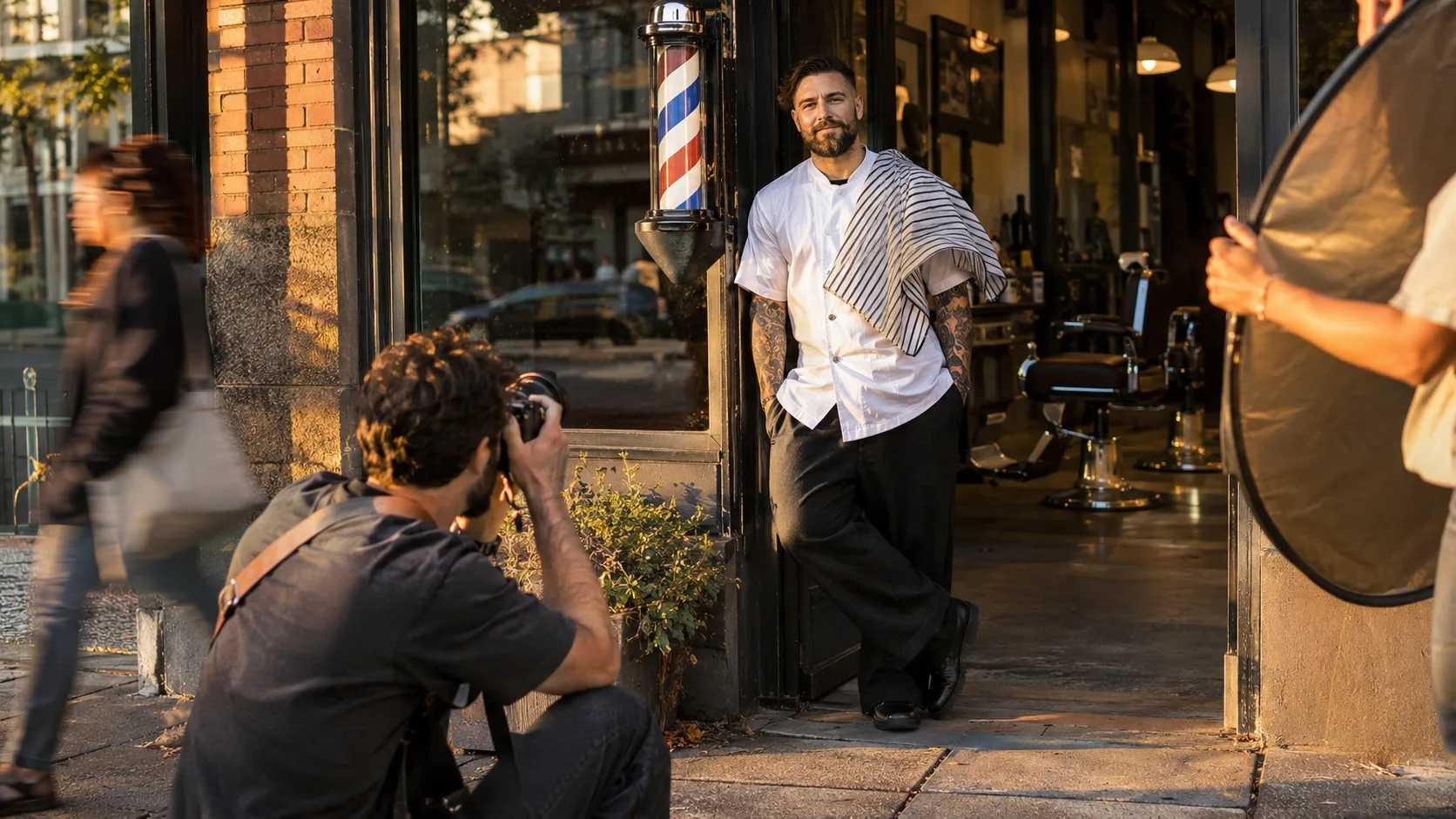
The fix: put a real photo of the owner or team at the top of the homepage, even if it's a phone shot. Imperfect and real beats perfect and anonymous.
2. "Visitors can't tell what's real anyway."
Half right, and the wrong half is the expensive one.
It's true that people can't reliably spot a generated image. In a Malwarebytes survey this year, 85% of adults said they can no longer tell real from AI-generated content, up from 66% a year earlier. Cashew found that 87% of consumers assume brand content is at least partly AI-made, and only 13% are very confident they can tell.
But look at what that does to a visitor's default setting. They arrive assuming the polish is automated. A flawless image no longer reads as "established company"; it reads as "could be anyone". Nielsen Norman Group's August test of AI hero images against stock photos found the same thing from the other direction: participants who merely suspected an image was AI rated the whole site lower, and a couple of real stock photos got the same penalty because they looked synthetic.
The fix: lean into the things a generator can't fake. A face with a name under it. Your actual van with your actual number on it. The workshop with the mess left in. Specific beats smooth.
Real Photos Deserve a Website Built Around Them
Vareweb designs custom, brand-specific websites from scratch, not templates, so your team, your premises and your work get the space to prove you're the real thing.
3. "AI images are just the new stock photos."
For decoration, fine. For proof, no.
Baymard asked 2,273 U.S. online shoppers in June how they'd feel knowing a product image was AI-generated. 60% said it would reduce their confidence to buy, and 17% wouldn't buy at all. The Bentley-Gallup survey of 3,270 Americans found that 62% consider it unacceptable for businesses to use AI to create people or voices in advertising, even with disclosure, and among 18 to 29-year-olds it's 73%. Clutch found 64% trust a brand less when products are misrepresented with AI imagery, and Emplifi found 91% expect brands to disclose AI use in marketing.
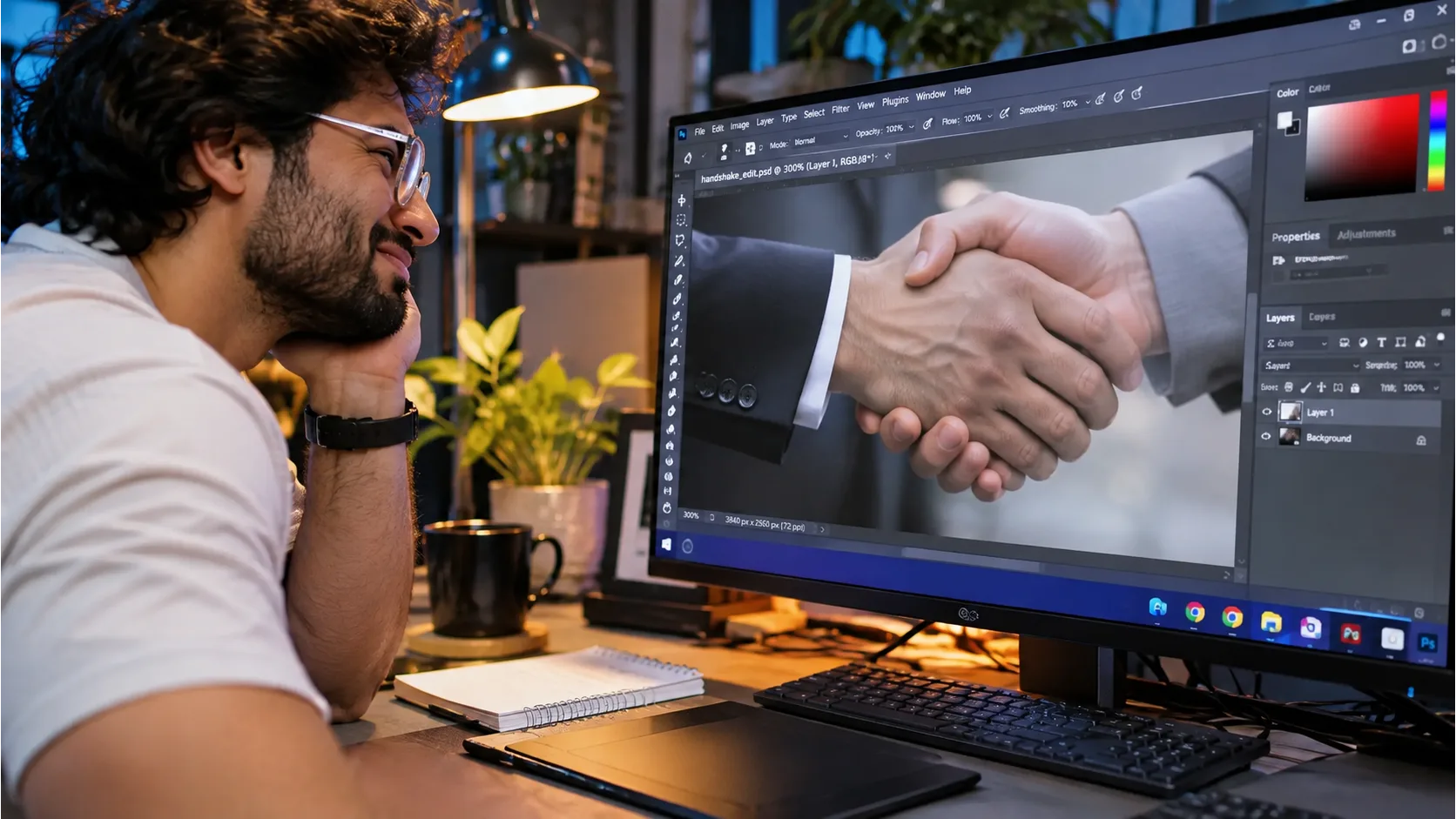
So the line is clear. Never use AI to depict your people, your premises, your customers or the products you sell. Those are the images that carry evidence. Use it, if you want, for a conceptual blog header or an abstract background, say so in a caption, and check hands, text and reflections before you publish, because one six-fingered handshake on the homepage undoes everything else on it.
4. "Quality means the biggest, sharpest file we have."
On a website, quality is measured in milliseconds before it's measured in pixels.
In HTTP Archive's June crawl of 15.7 million pages, the median mobile page weighed 2.6 MB and loaded 17 images, and images were the heaviest thing on it at 895 KB, more than all the JavaScript. Only about half of mobile sites pass Core Web Vitals, and the element that usually fails is the hero image. A 4 MB photo of your beautiful showroom is a slow page, and a slow page is judged as a careless business before the showroom appears.
The fix: export to WebP or AVIF at the size the layout needs (a hero rarely needs more than 1,600 pixels wide; Squoosh shows you the trade-off), serve responsive sizes so phones don't download the desktop file, preload the hero and lazy-load everything below the fold. My colleague Kashaf has the full list in his posts on design decisions that keep Core Web Vitals green and why page speed still matters for SEO.

5. "Alt text is a compliance box."
It's the only place a search engine reads what your photo shows.
The WebAIM Million scan this February found images with missing alternative text on 53.1% of the top million home pages, with an average of 66.6 images per page and more than one in four images lacking usable alt text. That fails every screen-reader user, and it throws away the description Google and AI answer engines rely on when they decide whether your image, and your page, is about what someone searched for.
The fix: describe what's in the picture, with the real names where they're true. "Maria Lopez, owner of Lopez Family Dental, at the Plano clinic reception desk" does more for you than "team photo". Give the file a descriptive name too; Google's image best practices ask for exactly that. Original, well-described images are also part of how a site earns a mention in AI answers, which Kashaf explains in his post on getting cited by AI search engines.
Heavy Images and Missing Alt Text Cost You in Search Too
Vareweb's SEO work starts with a technical audit that finds the pages and images holding your site back, then fixes them, with monthly reporting so you can see the results.
Stock, Custom or AI: The Quick Comparison
| Stock photos | Custom photos | AI-generated images | |
|---|---|---|---|
| Cost and speed | Free to low cost; minutes to find | A half-day to a day of shooting plus editing | Near zero; seconds to produce |
| What they prove | Nothing; the same image is on other sites | That the business, people and products are real | Nothing, and if spotted, the opposite |
| Best use | Blog headers, backgrounds, abstract concepts | Hero, About, team, service and product pages, ads | Conceptual visuals, disclosed |
| Main risk | Generic; licensing limits; competitors using the same shot | Dates when the team or premises change | Artifacts; invented people; undisclosed use |
| Trust speed | Slow to neutral | Fastest | Neutral until detected, then negative |
Where Each Kind Belongs
Not every image on a site is doing the same job, so you don't need a photographer for all of them.
The homepage hero, the About and team pages, the service pages and anything next to a testimonial are where visitors look for evidence. Those need custom photos, with names in the captions. A review attributed to "Sarah K." beside a stock portrait reads as invented even when it's real. Our guide to writing an About page that builds trust covers the words around those photos, and my post on healthcare website design shows how much real images of a clinic and its staff move a nervous audience.
Product pages are their own category. In Salsify's 2026 consumer research, 61% of shoppers named product images and videos the most important element on a product page, ahead of price (60%) and reviews (57%). Five to seven real angles per product, including one in use and one for scale, is the standard we build to; the product page layout guide shows where they sit.
Blog headers, section backgrounds and abstract illustrations are decoration. Stock is fine there, and so is a disclosed AI image. Spend nothing on them until everything above is done.
Selling Online? Let Your Real Product Photos Do the Selling.
Vareweb builds online stores with custom storefronts and product pages, so shoppers see exactly what they're buying, with secure payments and inventory tools behind every listing.
How to Shoot a Usable First Set in One Afternoon
Most of our clients don't have a photographer on call. They have a phone, a quiet afternoon and someone with a decent eye. That's enough for a first set if the shots are planned. This is the list we hand over:
- Owner portrait, at work, looking at the camera. Homepage hero or About page.
- Team candid, mid-task, not lined up against a wall. About and team pages.
- Exterior of the premises with signage, in daylight. Contact page and Google Business Profile.
- Interior wide shot: reception, shop floor or workshop. Homepage, About.
- Hands doing the work: tools, screens, materials. Service pages.
- Each core product, five to seven angles including in use. Product pages.
- A real customer interaction, with written consent. Testimonials, service pages.
- Before-and-after or the finished result. Case studies, portfolio.
- Behind the scenes: packing an order, prepping a job. Blog and social.
- Three square headshots per person, same background. Author boxes, team grid, review replies.
Shoot around ten in the morning or late afternoon, turn the beauty filters off, clear the counter, and take ten frames of each so one is sharp. Then edit the whole set the same way: one color grade, consistent crops, the same amount of breathing room. Consistency is what turns a camera roll into a brand.

Which Images to Replace First
If you can only swap a few this month, go in this order. It's ranked by how much proof the visitor expects from each spot.
- The homepage hero.
- Team photos and headshots next to real names.
- Product and service images that show what the customer actually receives.
- Any image beside a testimonial or review.
- The contact and location images; they confirm the address in the footer.
- Service-page images: your tools, vehicles, workspace.
- Blog headers and backgrounds, last, and only if there's time.
Two habits once the swap is done. Reshoot whenever the team, premises or products change, because a photo of someone who left two years ago misleads as much as a stock photo. And run your real photos through a reverse image search such as TinEye twice a year; genuine photos of genuine businesses get lifted by lookalike sites, and Kashaf's guide to protecting your logo and brand assets online covers what to do when that happens.
The pushback I hear most is "our real photos aren't as nice as the stock ones". True, and it doesn't matter. The visitor isn't grading your photography. They're checking whether you exist.
FAQs
Do stock photos hurt trust on a website?
They can, in the places visitors expect proof: the homepage hero, team pages, product pages and testimonials. Stock photos are harmless in decorative spots like blog headers. 47% of Americans say they want real photos of the team or location rather than stock images on a business website.
Are custom photos worth the cost for a small business?
Yes, because they do a job no other image can: proving the business, people and products are real. A first set can be shot in a day with a phone, good daylight and the shot list in this post, then upgraded with a professional shoot later.
Can I use AI-generated images on my website?
For conceptual and decorative visuals, yes, with a disclosure. Not for people, premises, customers or products you sell. 60% of U.S. online shoppers say AI product images reduce their confidence to buy, and 62% of Americans call AI-created people in marketing unacceptable even when disclosed.
Does Google treat AI images or stock images differently for SEO?
Google doesn't penalize an image for being stock or AI-made, but stock images rarely rank under your domain because they exist on many sites. Original images with descriptive filenames and alt text are the ones that can appear in image search and in AI answers for your brand.
How many product photos should a product page have?
Five to seven: front, back, side, a close detail, the product in use and a scale reference. Shoppers rank product images above price and reviews when deciding to buy, and images that match the delivered product reduce returns.
What image format and size should I use for a website?
WebP or AVIF, exported at the size the layout needs (a hero rarely needs more than 1,600 pixels wide), with responsive sizes for phones. Images are the heaviest part of the median web page, so compression is a trust signal too: slow pages read as careless businesses.
How often should website photos be updated?
Review them every year and reshoot when the team, premises, products or branding change. An image of a staff member who left two years ago is as misleading as a stock photo.
Ready for a Website That Looks Like Your Business?
Book a free call and Vareweb will walk through your site with you, point out the pages costing you trust, and map out what to fix first.

Written by
Minhaj
Minhaj Ahmed is an experienced web and software development professional specializing in web applications, mobile apps, SaaS platforms, and AI-powered solutions. As Head of Development at Vareweb, he brings a strong software engineering background to building scalable digital products and automation systems. He writes about web development, mobile apps, AI, software engineering, and emerging technologies.